

Reliable tech, friendly face — helping you feel confident with every click.
Explore our services
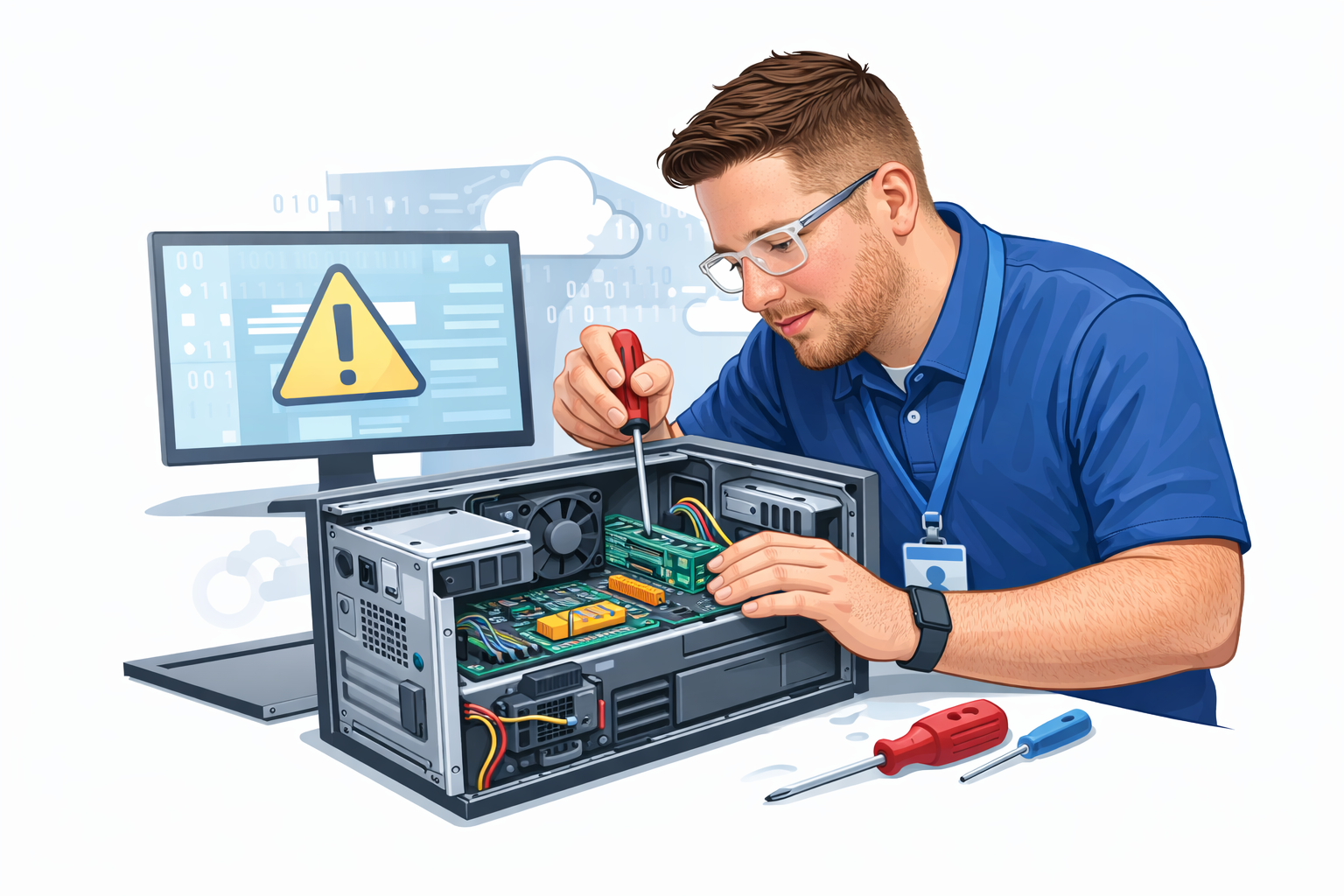
In Person Tech Support — $125 per hour
Price
Flat rate: $125 per hour (billed in 30-minute increments).
No hidden fees: travel within Tri-City (Albany-Schenectady-Troy) is free.
Add $0.75 per mile for locations outside Albany, Schenectady, and Rensselaer counties.
Value
Expert technicians: certified, background-checked pros who fix the problem right the first time — saving you time, stress, and repeat visits.
Transparent diagnostics: we diagnose the issue, explain options, and only proceed with fixes after you approve any parts or extra labor.
Work guarantee: 30-day service warranty on labor; 90-day warranty on parts we install.
Length & Typical Appointments
Quick fixes (30–60 minutes): password resets, printer setup, virus scans, peripheral pairing.
Standard jobs (1–3 hours): OS updates/reinstall, system tune-ups, data transfer between devices, hardware troubleshooting.
Major projects (3+ hours or multiple visits): new device setup with data migration, home network design and installation, extensive hardware repair or custom builds.
We estimate time during booking and provide a mid-service update if more time is required.
Why It’s Unique
In-person empathy + tech smarts: we pair friendly, clear communication with real technical expertise — no jargon, just solutions.
On-the-spot fixes and education: we don’t just repair; we teach you simple maintenance and safety steps so the same problem won’t happen again.
Parts sourcing advantage: we carry common consumables and have priority access to replacement parts, so repairs are faster.
Safety-first approach: we follow strict data privacy practices and take precautions when handling sensitive information.
Flexible scheduling: evening and weekend appointments available for busy households and small businesses.
Optional Add-ons
Priority booking: next-available appointment for urgent issues.
Extended warranty packages for business clients.
Remote follow-up support within 7 days of service at no extra charge.
How to Prepare
Back up important files if possible.
Keep device passwords accessible or be ready to verify ownership.
Clear a small workspace for the technician to work safely and efficiently.
Book with confidence — expert help, clear pricing, real results.

Remote Desktop & Phone Support — $95 per hour
Price
Flat rate: $95 per hour (billed in 15-minute increments).
No "trip fees": Since we connect digitally, there are no travel costs or location surcharges.
Low minimum: Only a 15-minute minimum charge for quick phone consultations.
Value
Expert remote technicians: Certified pros who use secure, high-end screen-sharing tools to resolve issues without you having to leave your desk.
Transparent diagnostics: We walk you through the issue via phone or chat, explain the fix, and only initiate the remote session once you provide the secure access code.
Work guarantee: 30-day service warranty on all remote labor and software configurations.
Length & Typical Appointments
Quick fixes (15–30 minutes): Password resets, email sync issues, software updates, and browser troubleshooting.
Standard sessions (45–90 minutes): Virus and malware removal, OS optimizations, software installations, and cloud storage setup.
Deep dives (2+ hours): Full system migrations (via cloud), complex software debugging, or multi-device synchronization.
We provide a time estimate during the initial call and update you if the diagnostic reveals a more complex software conflict.
Why It’s Unique
Instant-on support: No waiting for a technician to drive to your house; we can often start a session within minutes of your call.
Guided education: Watch us work in real-time on your screen. We explain every click so you feel empowered and informed.
Security-first connection: We use bank-grade encrypted software for remote access. You remain in control and can end the session at any moment.
Global reach: As long as you have an internet connection, we can help you whether you're at home, in the office, or traveling.
Flexible scheduling: Expanded hours for remote sessions, including late-night support for urgent software emergencies.
How to Prepare
Ensure internet stability: A stable Wi-Fi or Ethernet connection is required for screen sharing.
Have passwords ready: Keep your administrative credentials handy to authorize software changes.
Resolve your tech issues today — expert help is just a phone call away.